
New version just released with a new database migration function inside the docker.
In recent weeks the Ghost team released a lot of new versions and it’s quite difficult to keep up and keep the docker updated.
Anyway you can find the 1.5.0 version on DockerHub.
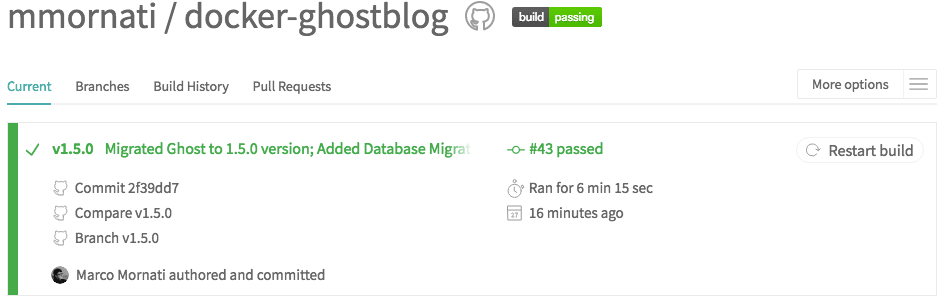
Overview#
Working on this new version I discovered that database should be migrated to be able to use the docker with the latest version. To simplify the migration of your “external” database I added a new command to the docker that simplifies the migration.
Migration Command#
You can now simply run the following command, which is starting the latest version of the docker and migrate the database.
docker run -it --rm --name blogtest -p 2368:2368 -e NODE_ENV=production -e DB_CURRENT_VERSION=1.0.2 -v /Users/mmornati/ghost-blog-test:/ghost-override mmornati/docker-ghostblog:v1.5.0 /ghost/migrate-database.shParameters#
You have naturally to change:
- the -v parameter to reference your ghost external folder;
- the DB_CURRENT_VERSION with the version of your database (the Ghost version you were using before the Docker update);
- the image tag at the end to the version of the new Docker you want to start (e.g.
mmornati/docker-ghostblog:v1.5.0).
If all went well, you should have something like this
Quite easy, isn’t it?