
Washing machines or whatever, there are some devices in our houses that are located far from the living places. So, how to know when it’s time to take them out without checking every 5 minutes? I know, we have a clock and that should be enough, but if you have Home Assistant, you can easily configure an action to notify you when the washing machine cycle is completed.
Track the consumption#
If your washing machine is not connected by itself, we can track it using the plug with power consumption and on the market today there are a lot of devices proposing this function.
WiFi#
Without any other protocol, you can buy a WiFi power adapter with a power meter. On my side, I’ve a couple of Konyks
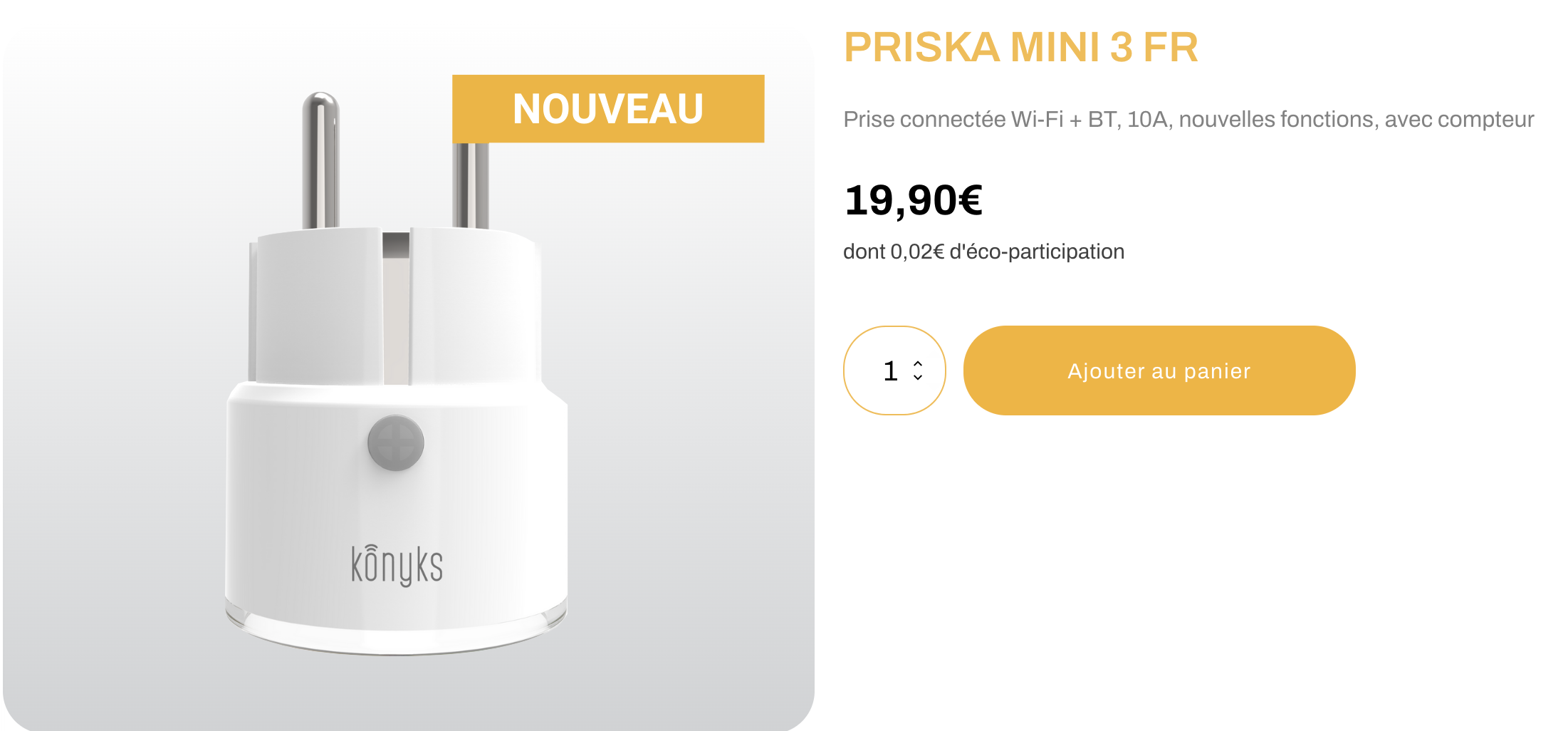
The advantage, more than the protocol, is that this kind of device is usually quite cheap. The downside is that you need WiFi signal in the location you installed your washing machine.
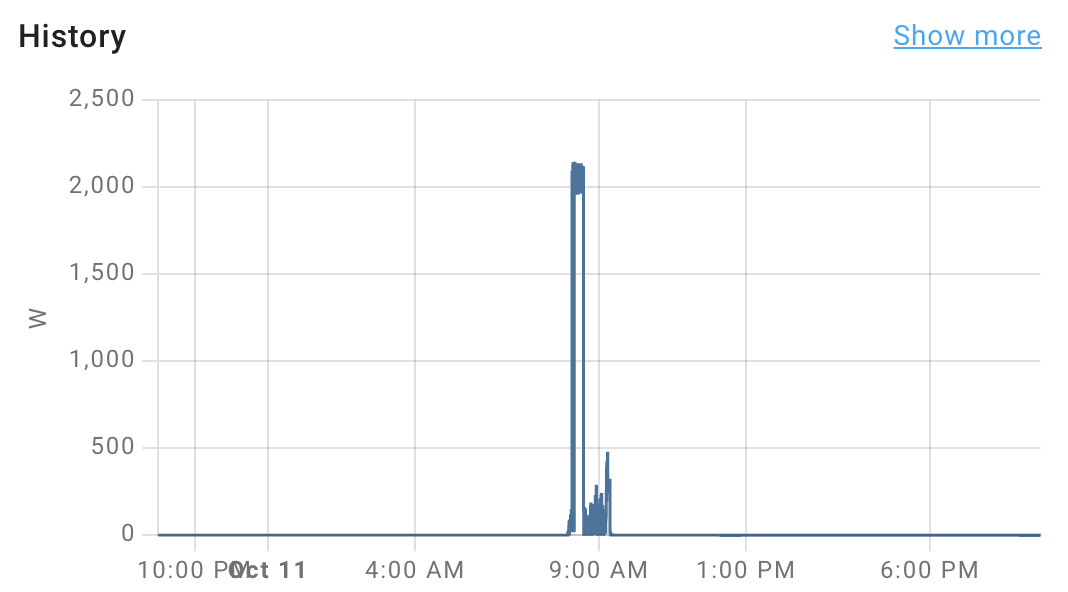
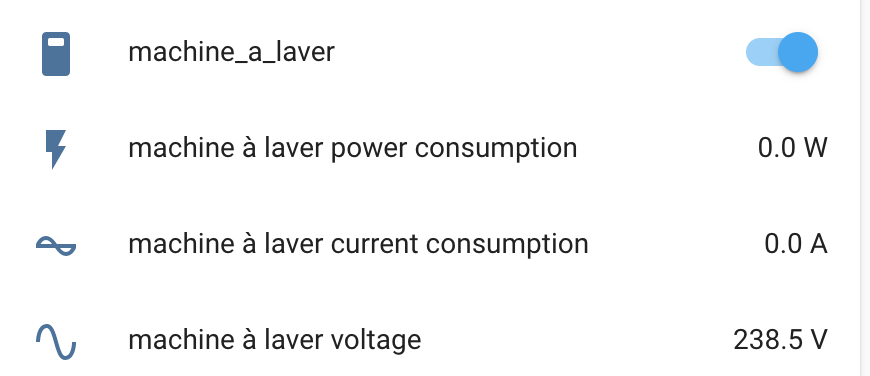
You can control them in the Tuya/Konyks application or add them to HomeAssistant, which gives you start/stop and meter information.
ZigBee#
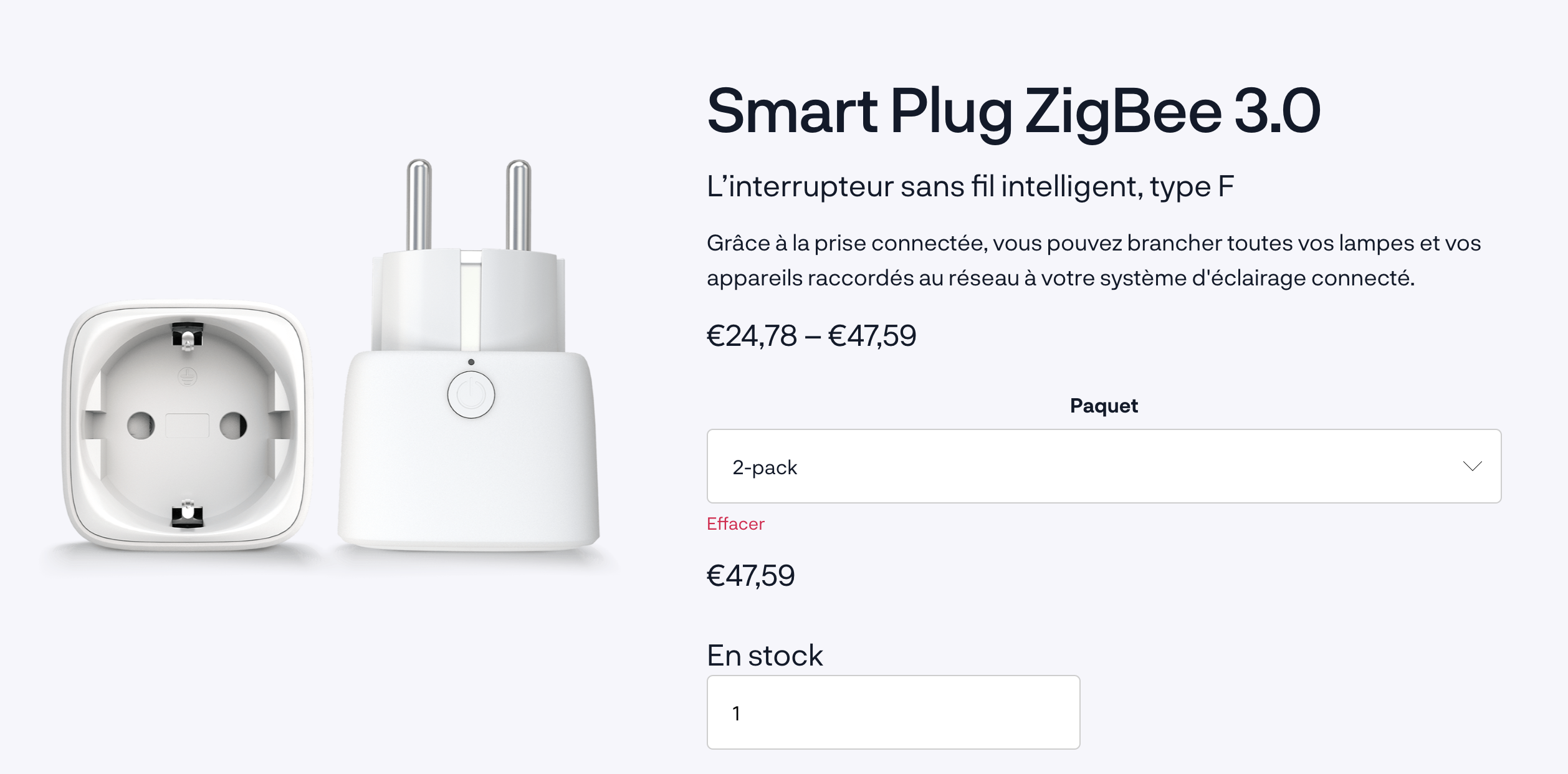
If you are using this protocol (the one proposed by Philips Hue) and you would like to use its powerful mesh function there are plenty of alternatives at a reasonable price. For example the Innr Smart Plug, I’m using it too and which works very well.
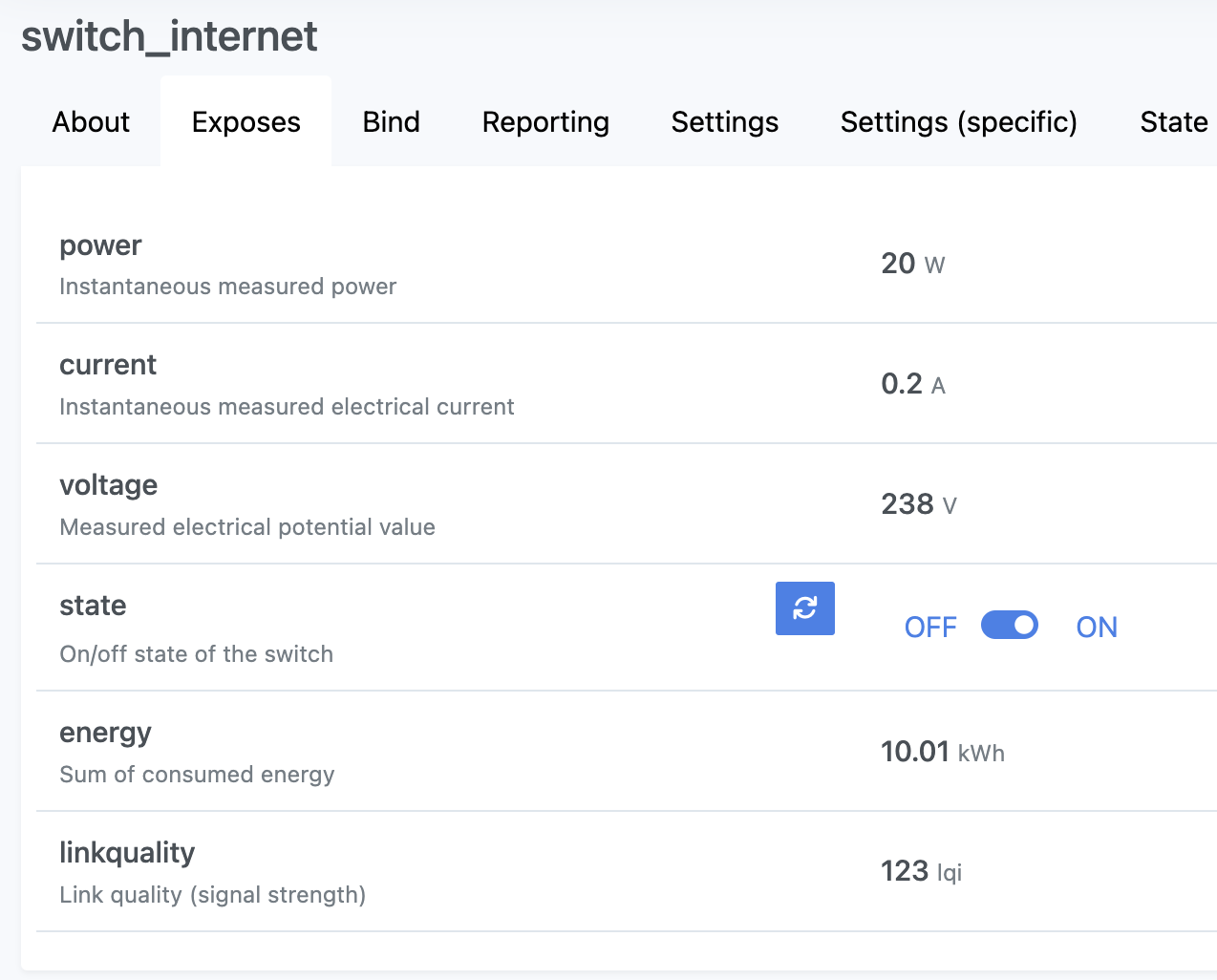
It exposes the same information as the WiFi Tuya One.
I’d suggest this type of device if you already have other ZigBee devices extending the signal and reaching easily any remote corner of your home.
ZWave#
It offers the same benefits as ZigBee, but since manufacturers need a license to produce devices using this protocol, the price is much higher. Fibaro produces excellent Z-Wave devices. I used one of them in the last 4 years and it is excellent in everything. It has many more features and configurations than the other two.
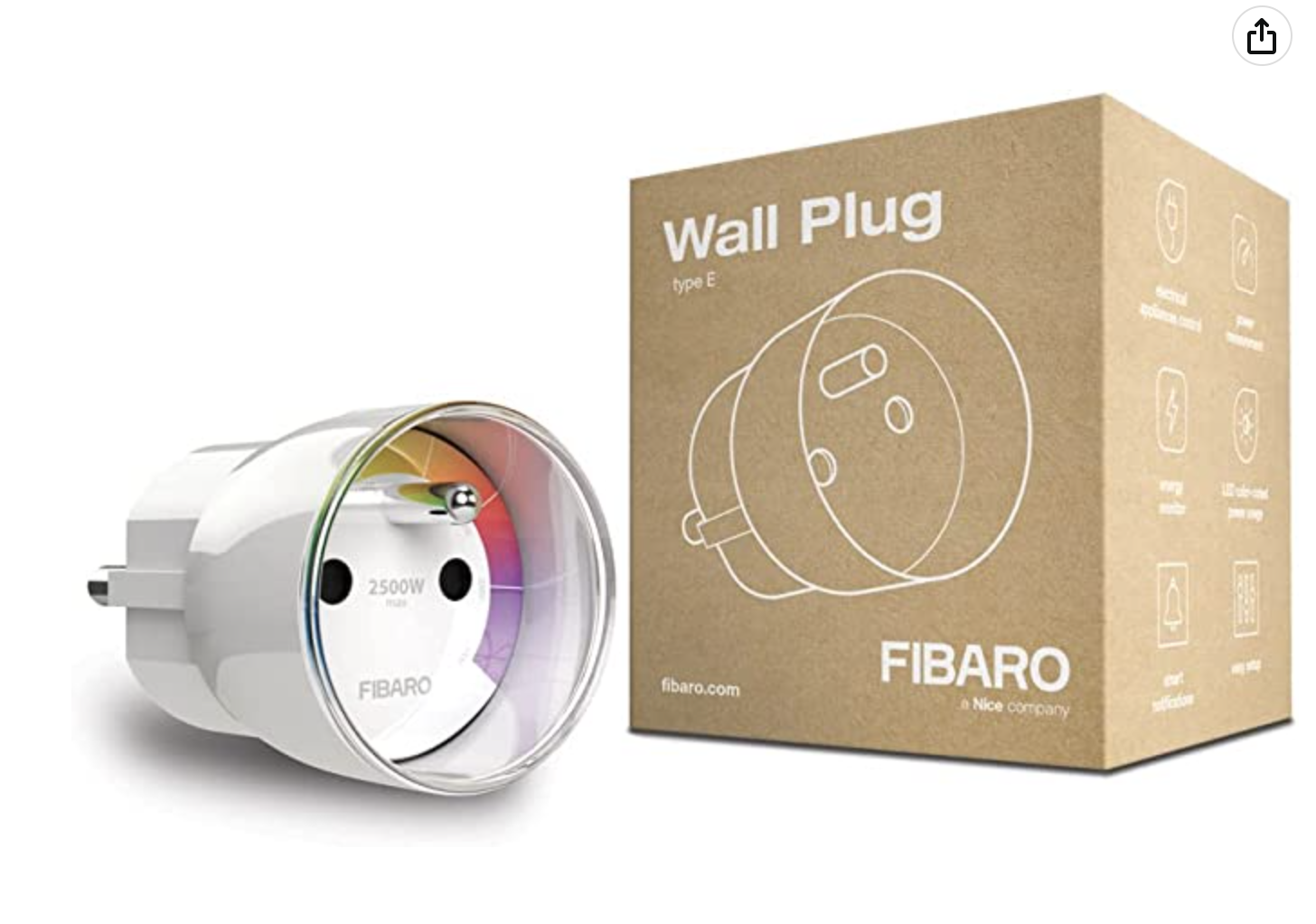

NOTE/WARNING One thing to consider when choosing your power plug, regardless of the protocol, is the max power the plug can provide (in Watt). If you link a high-consumer device which is requiring more than the max available from the plug, the plug itself will shutdown the device considering it has a problem. I had this issue for several weeks with the Fibaro Z-Wave plug before realizing it wasn’t the right one for the job 😅
Configuring the Notification#
Once your washing machine’s power consumption is monitored with a power plug you have everything you need to configure Home Assistant.
First of all, we need to create a binary_sensor we will use to detect if the device is working or not. All the plugs we’ve seen have ON/OFF information, but that only tells you if the plug is supplying power, not if the device is actually running.
In your configuration.yaml you can create the binary_sensor like the following
binary_sensor:
  - platform: template
    sensors:
      washing_machine:
        value_template: "{{ states('sensor.machine_a_laver_power_consumption') | float > 10.0 }}"
        delay_on: 0:00:30
        delay_off: 0:00:30
This checks the sensor.machine_a_laver_power_consumption. When it’s over 10W for more than 30 seconds, the binary_sensor is considered on. When it drops to 0 for more than 30 seconds, it goes back to off.
Then, just using the binary_sensor you can create an automation to act when it turns on or off. An example to be notified:
- id: washing_machine_working
  alias: Machine à laver en fonction
  trigger:
    - entity_id: binary_sensor.washing_machine
      from: "off"
      platform: state
      to: "on"
  action:
    - service: notify.notify
      data:
        message: "Machine à laver en marche {{ states('sensor.machine_a_laver_power_consumption') }}."

- id: washing_machine_finished
  alias: Machine à laver Cycle Terminé
  trigger:
    - entity_id: binary_sensor.washing_machine
      from: "on"
      platform: state
      to: "off"
  action:
    - service: notify.notify
      data:
        message: "Cycle machine à laver terminé."
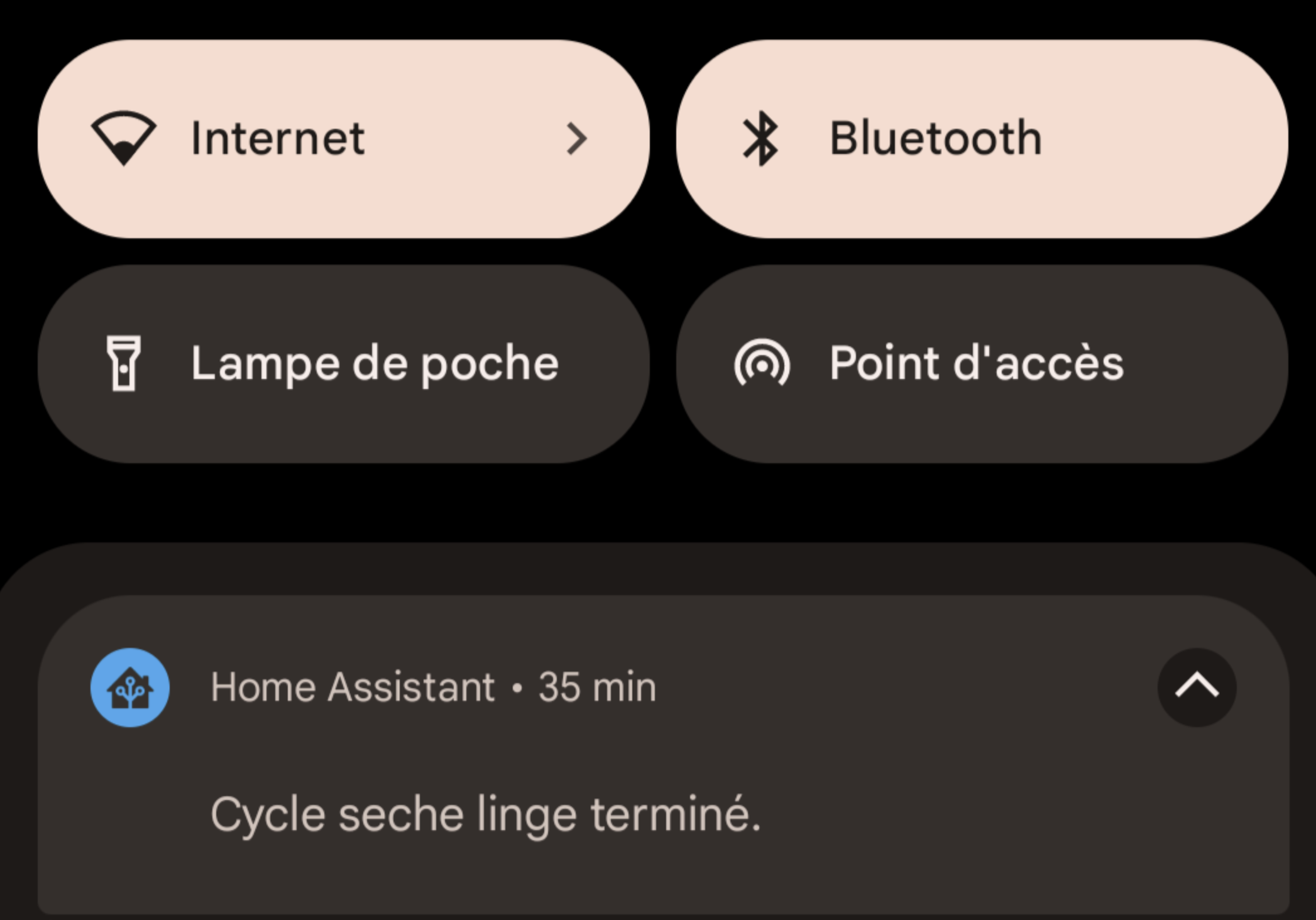
With this, you’ll get notifications on your phone when the washing machine is starting and once it finishes the cycle.
That’s all. You can now imagine cool automations with your devices… smart home is great and can help optimize your energy usage!