
After months waiting for a Samsung update for my Note 2 (which is still not available), I decided to test other ROMs with Android 4.3 and/or 4.4 to give new life to my smartphone.
Cyanogenmod 11#
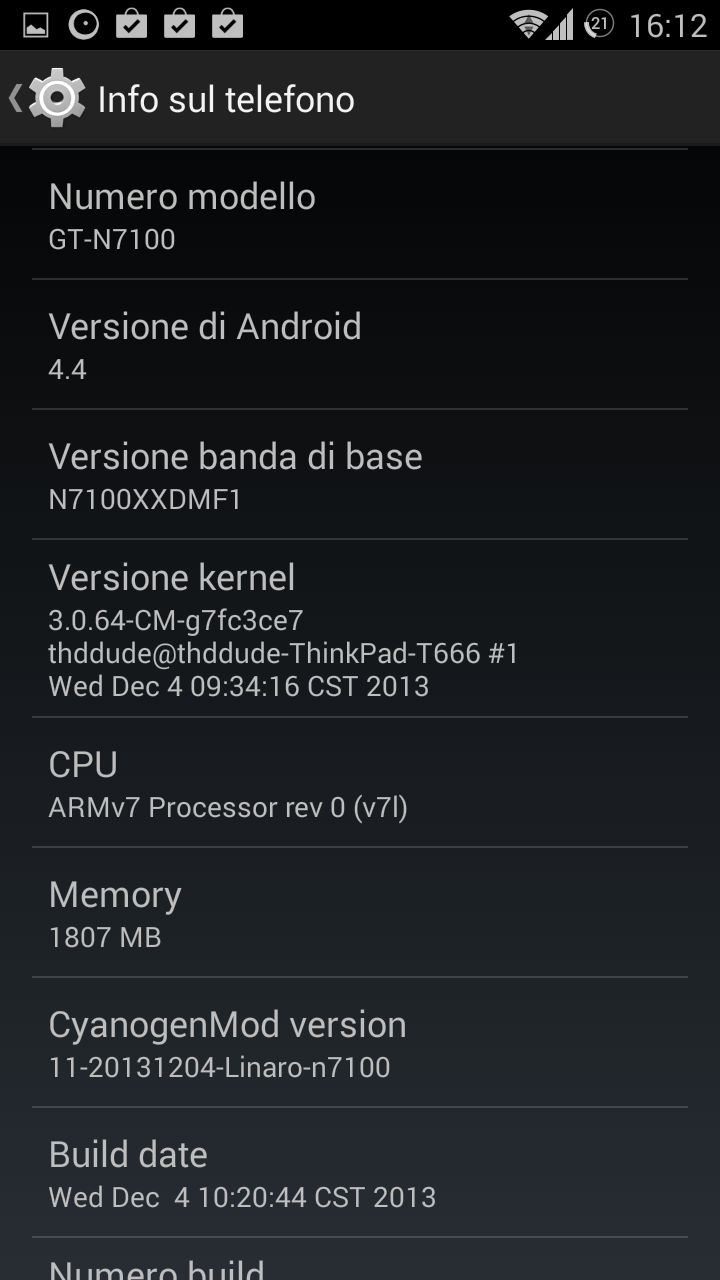
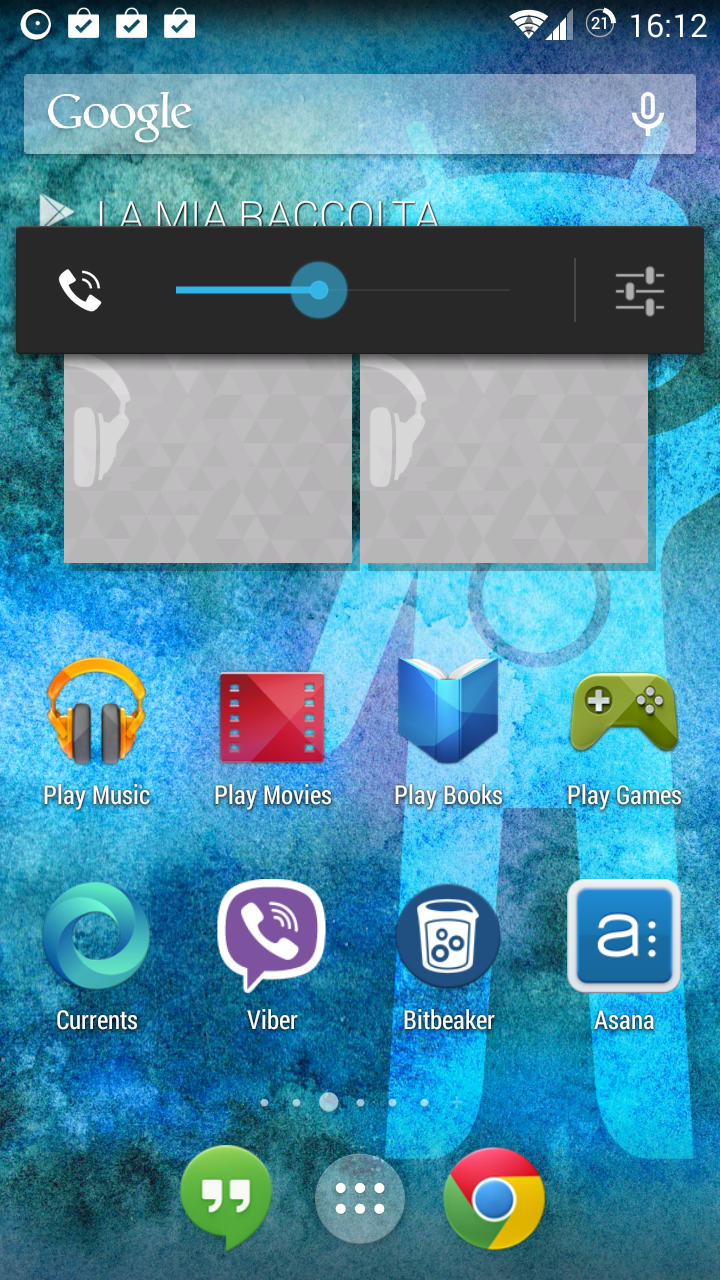
The first ROM I tested was the Cyanogenmod (unofficial) 11 with Android KitKat. The phone worked really fast and the ROM was not bad, even though I noticed some bugs making and receiving phone calls. But there were some major problems that made me change ROM again:
- Desktop icons were not optimal for the Note 2 screen size compared to the standard Samsung ROM. The icon grid allows fewer icons than the default ROM. You can change this with other mods, but I didn’t test them due to other problems.
- S Pen is not supported. You can use it to draw or handwrite, but all other functions are not supported (you can’t take a screenshot of a selected part of your desktop, for example). If you don’t use the S Pen you could switch to Cyanogenmod, but I think: if you don’t use the S Pen, why are you using a Galaxy Note?
Hurricane ROM#
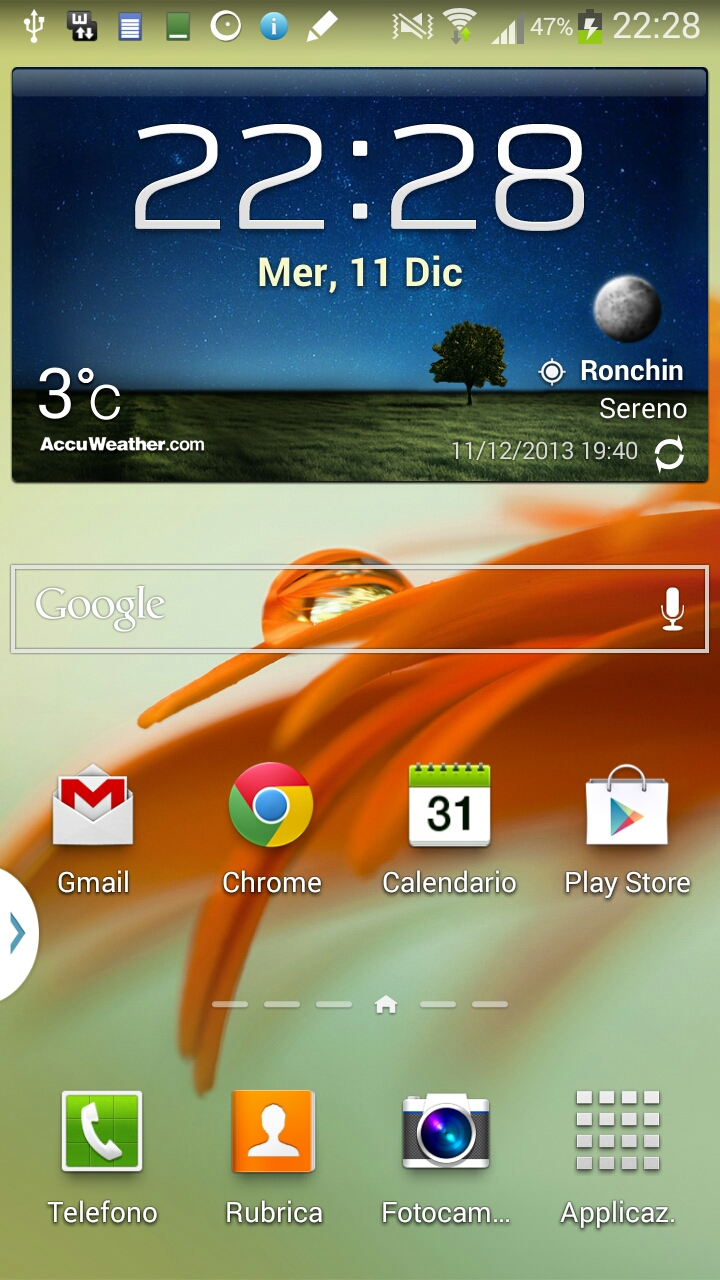
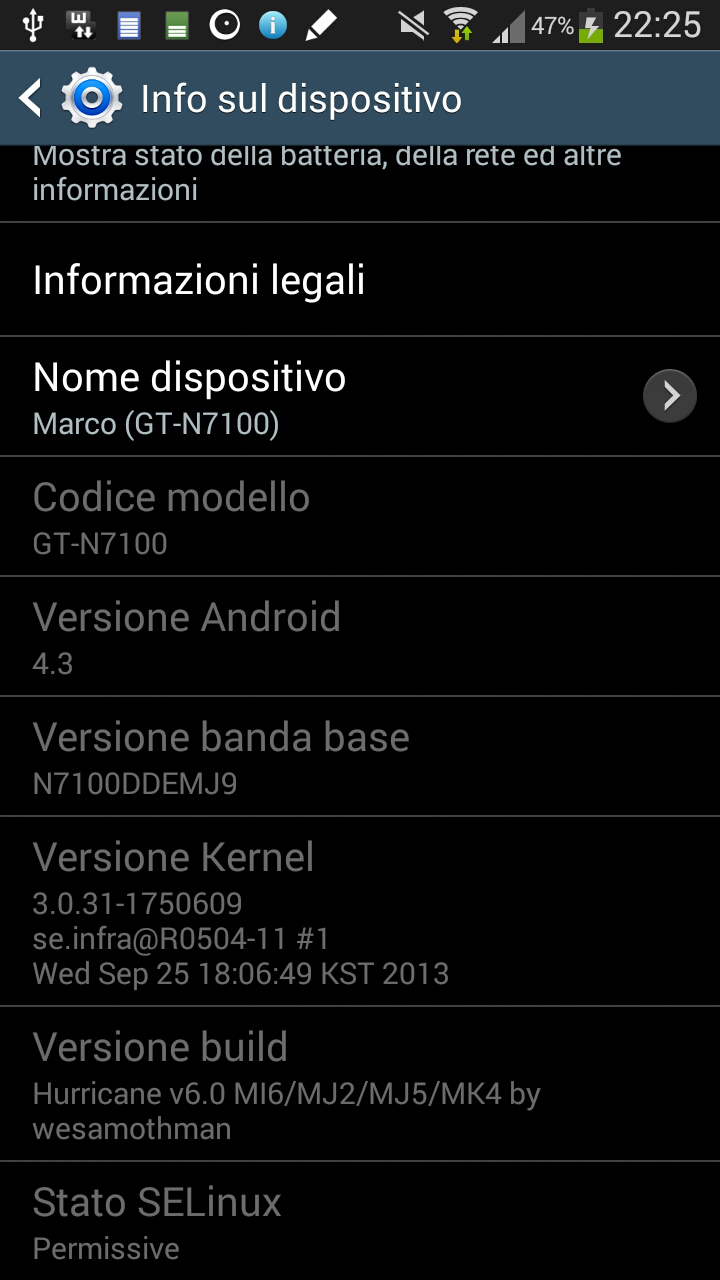
I decided to go back to a TouchWiz ROM (Samsung’s version of Android). After some searching on XDA Developers I found the ROM to test: Hurricane Note 2 ROM.
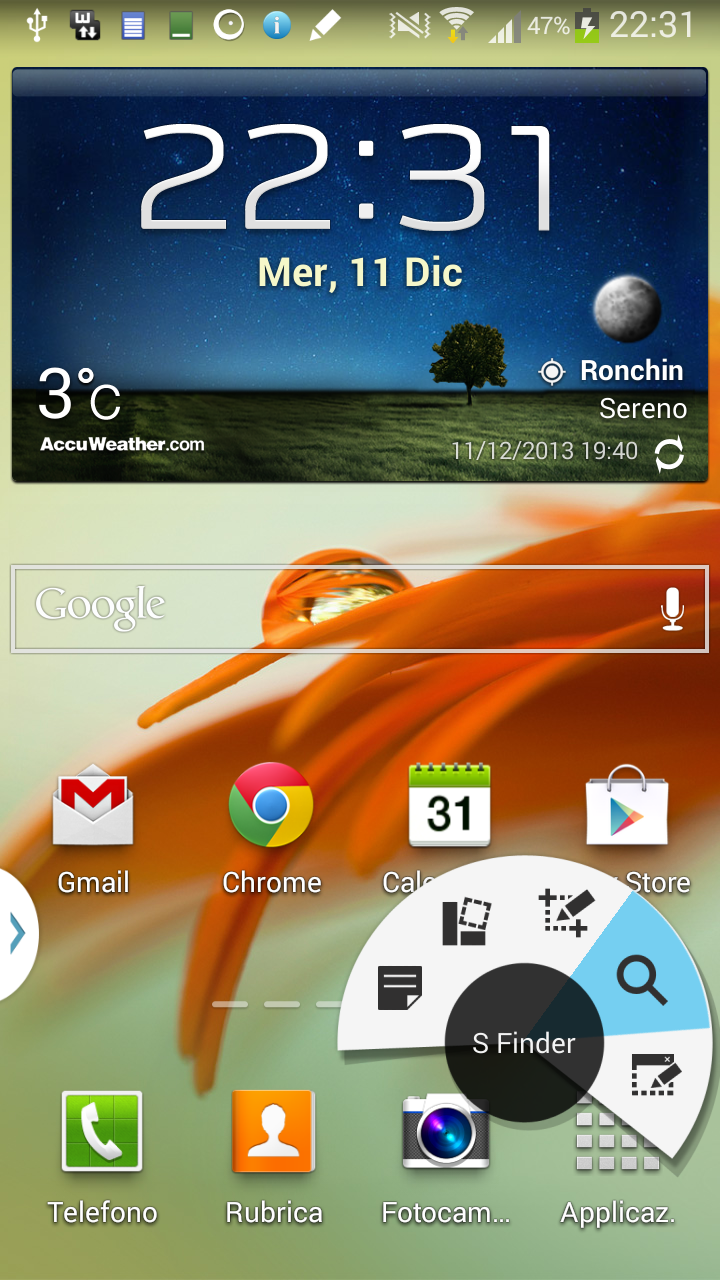
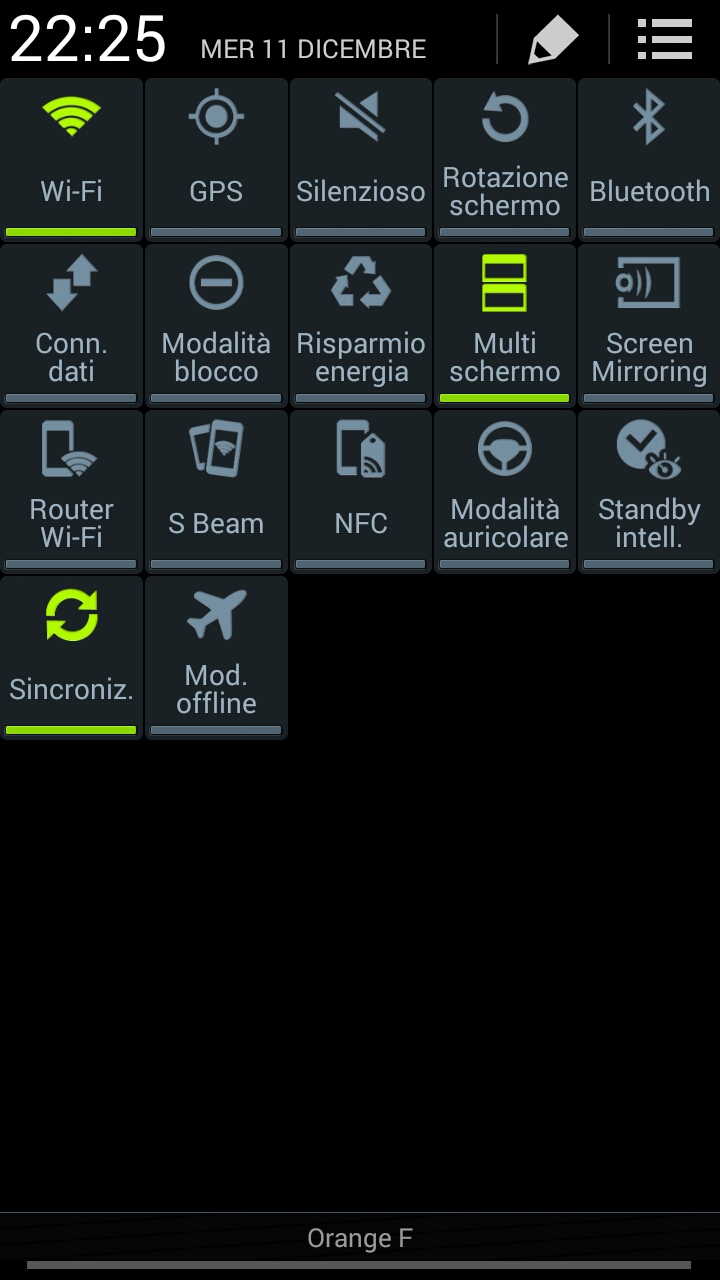
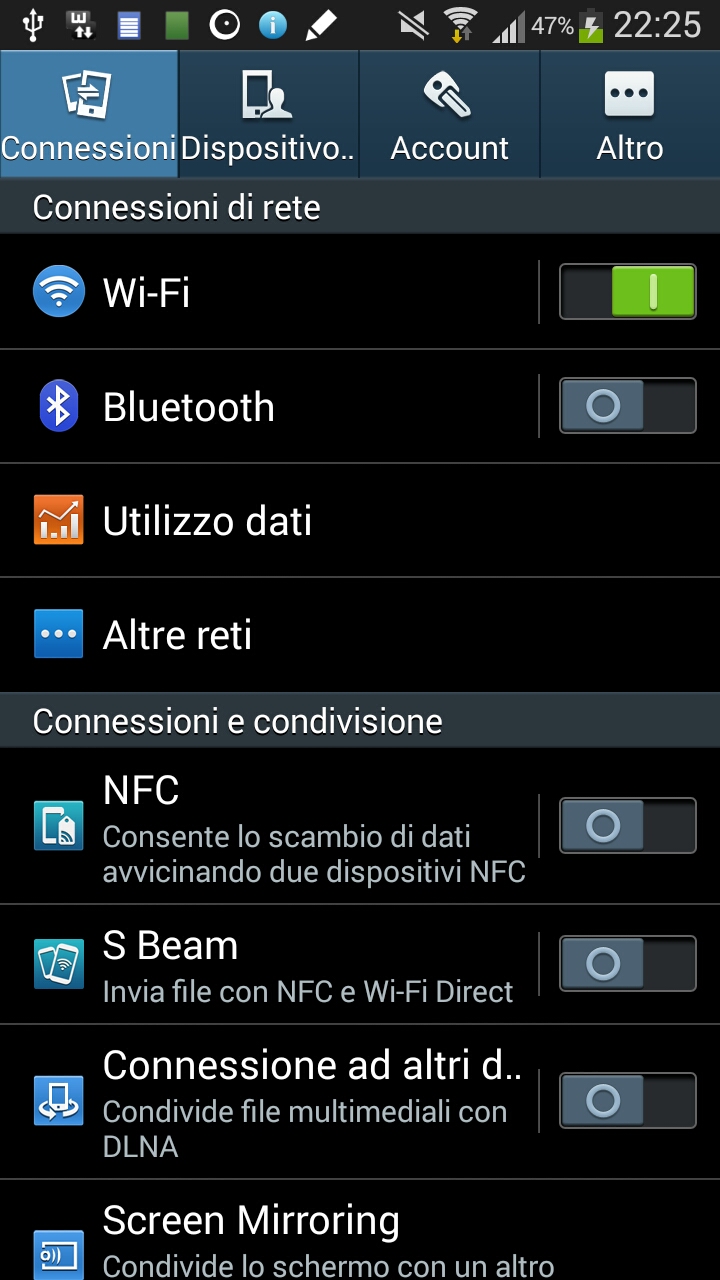
This ROM brings Android 4.3 to your Note 2 and, with another little mod, you can also add most of the Galaxy Note 3 features!
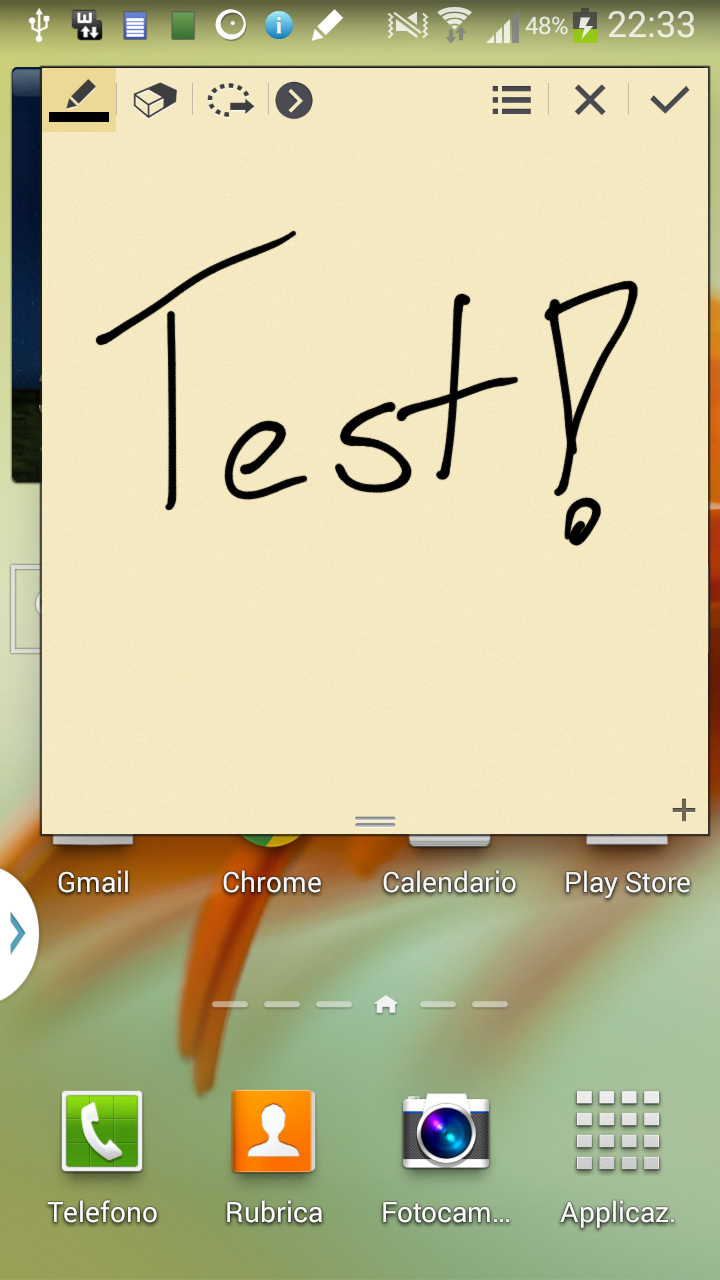
After a week using it I can say the ROM is stable (sometimes I notice some slow phone reactions, but that could be linked to the applications I use) and the phone runs fast. Most importantly, you can keep using your S Pen with many more features taken from the Note 3.
I think this ROM is the one you should use on your Note 2 to give it new life!


Installation#
You can find all installation instructions on the XDA developer forum. If you have any problems or questions, feel free to ask me here.