

During my 2-week trip to NYC I decided to buy the new Jawbone UP 24 (I already tested the first version of this band in the past) to monitor my activities during the vacation. The main difference from the first version is the constant Bluetooth connection to the phone (no more audio jack connection needed!). This means you can constantly check your progress without removing your band.
If you don’t know it, Jawbone UP / UP 24 is an activity monitor system. You can monitor your daily movements (number of steps) or your sleep at night. You simply have to wear the band, choose your mode (day/night) and that is all.
Installation#
The first thing you need to do is download the app (iOS/Android applications available), connect the band with the application, create an UP account and enter your personal information (weight, height, …). This information is then uploaded to the UP band (for the 24 version, via Bluetooth; otherwise you need to connect the band to the audio jack of your smartphone).

In the settings page you can select all other settings for your band:
- inactivity alarm
- morning wake-up calls
- activity notifications
All these settings must be uploaded to the band after changes.
Usage#
Using the band after the initial settings is really simple: you have nothing to do, just wear it and change mode when needed. To change mode (sleep/day) you can use the button on the band, meaning you don’t need an external device to use it. BUT, if you need to check any information, a device (Android/iOS) is required. On the band you just have an LED showing the set mode.
All information is then automatically uploaded to your phone, and in the UP application you can check your progress:

The day progress shows your number of steps with a graph indicating when you were most active:

The night activity shows information about: how long it took you to fall asleep, deep sleep time, light sleep, whether you woke up during the night, and more.

That is, in my opinion, the interesting part of this band: the sleep monitoring lets you see why you are tired in the morning, even if you think you slept a lot. If you set a wake-up alarm, the band checks the best time to wake you up based on your sleep activity and the time of your alarm. In the alarm settings you can set the wake-up time and a delta. For example: wake up at 7 AM, delta 20 minutes, means Jawbone checks your activity starting at 6:40 and ending at 7:20. If you are in light sleep and already moving, UP vibrates to wake you up. If you are in a deep sleep period, UP lets you sleep until 20 minutes past your alarm. Great, is not it?
Connection#
You can connect your Jawbone UP account to other services and share your progress.
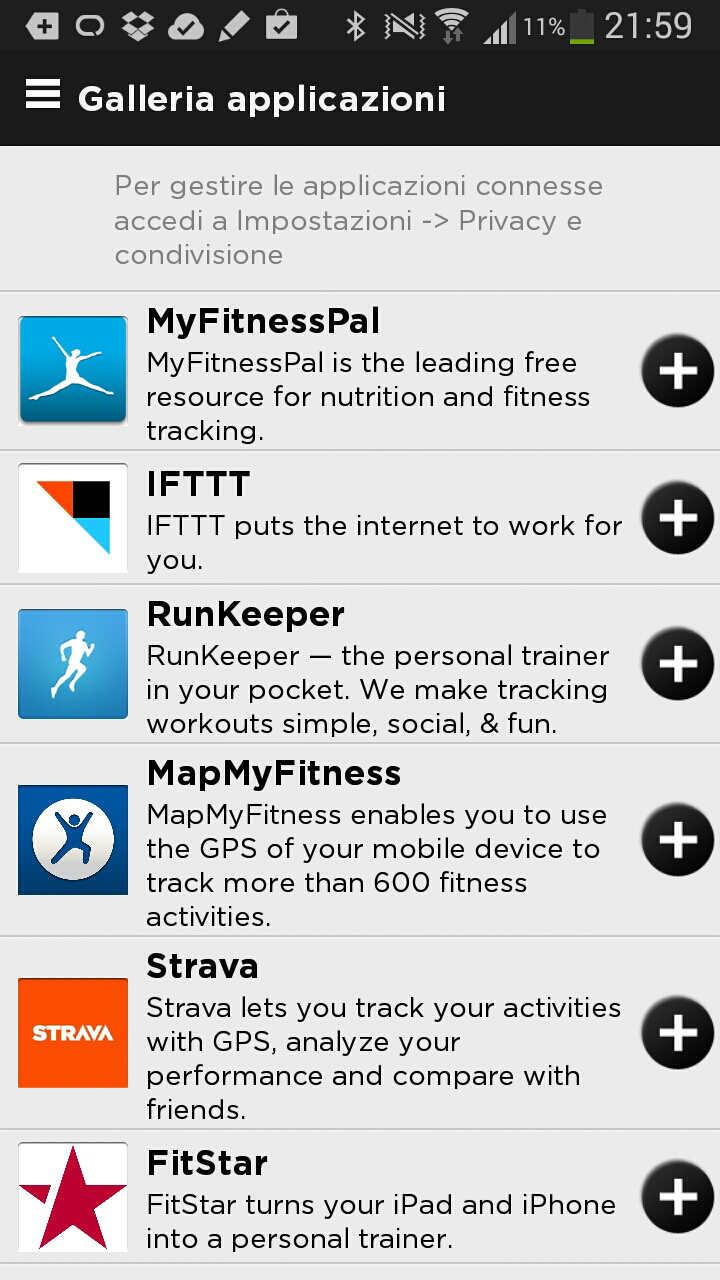
It is just a way to centralise your activities and calories burned or acquired.
Conclusion#
It is an interesting device that helps you track your everyday activity and helps you stay in motion (every alarm is a vibration). If during your everyday working activity you are sitting at a desk, like me, UP reminds you when it is time to take a break and move a little (I set 45 minutes of inactivity).
It is a good wake-up alarm: whenever it vibrates in the morning I open my eyes and wake up without problems (almost every day… sometimes children wake me up before).
I am not sure about the band longevity (my wife used the UP for 3 weeks). I think if you really want to track your activities and stay in motion, UP could be your best friend; if you just want a gadget maybe you will use it some days and then… in a tray.