
If you have a Samsung phone and you don’t understand where you are losing most of your storage space, check the CloudAgent application.
The CloudAgent app is the one behind the Cloud menu inside the Settings menu.
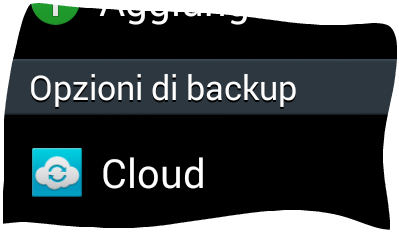
If you link your Dropbox account to your phone and use it to automatically upload photos and videos, the cloud settings are, by default, configured to make a local backup of all camera upload images and videos. This means after a while your cache will take up a lot of space on your phone (in the cloudagent/cache/root/ folder).
You can check and disable this setting by going to Settings > Cloud, then selecting Pictures and Videos to check if the cache is enabled and to disable it. When you disable it, all locally cached files are automatically deleted (Dropbox uploaded photos and locally taken photos are not affected).