# Shairport: turn your linux in an AirPlay speaker
I just discovered and tested a nice project that allow you to create an AirPlay server to use as a simple speaker for your iOS device (for example send audio from your iPod to your Linux PC): Shairport!!
To install and use it on Fedora 16 distribution is really simple.
First of all you should install all the required packages to build this project:
yum install openssl-devel libao libao-devel perl-Crypt-OpenSSL-RSA perl-IO-Socket-INET6 perl-libwww-perl avahi-tools
Then, after a little clone of the git repository
git clone https://github.com/albertz/shairport.git
You can enter in the shairport directory and build it
 mmornati@desktop shairport$ make
cc -O2 -Wall   -DHAIRTUNES_STANDALONE hairtunes.c alac.o -o hairtunes -lm -lpthread -lssl -lcrypto -lao
cc -O2 -Wall   -c socketlib.c -o socketlib.o
cc -O2 -Wall   -c shairport.c -o shairport.o
cc -O2 -Wall   -c hairtunes.c -o hairtunes.o
cc -O2 -Wall   socketlib.o shairport.o alac.o hairtunes.o -o shairport -lm -lpthread -lssl -lcrypto -lao
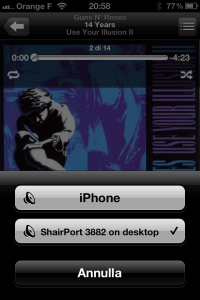
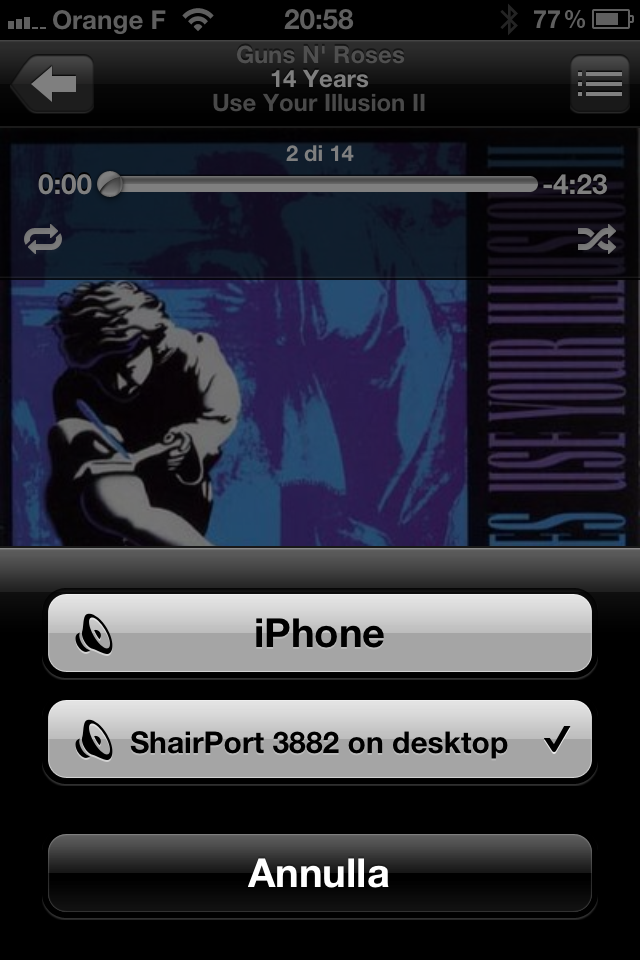
Now you can simply startup the shairport script and check if all works well using your iOS device
 mmornati@desktop shairport$ perl shairport.pl
Established under name 'D2908EECAA5A@ShairPort 3882 on desktop'
requesting resend on 1 packets (port 53568)