

The Hidden Tax on Every AI Request: How MCP Servers Are Draining Your Token Budget
I enabled 4 MCP servers and forgot about them. The bill says $515/month.

Search for a command to run...
I enabled 4 MCP servers and forgot about them. The bill says $515/month.
No comments yet. Be the first to comment.
Following the Trail from the Cultura & FFT Breaches to SendGrid Abuse

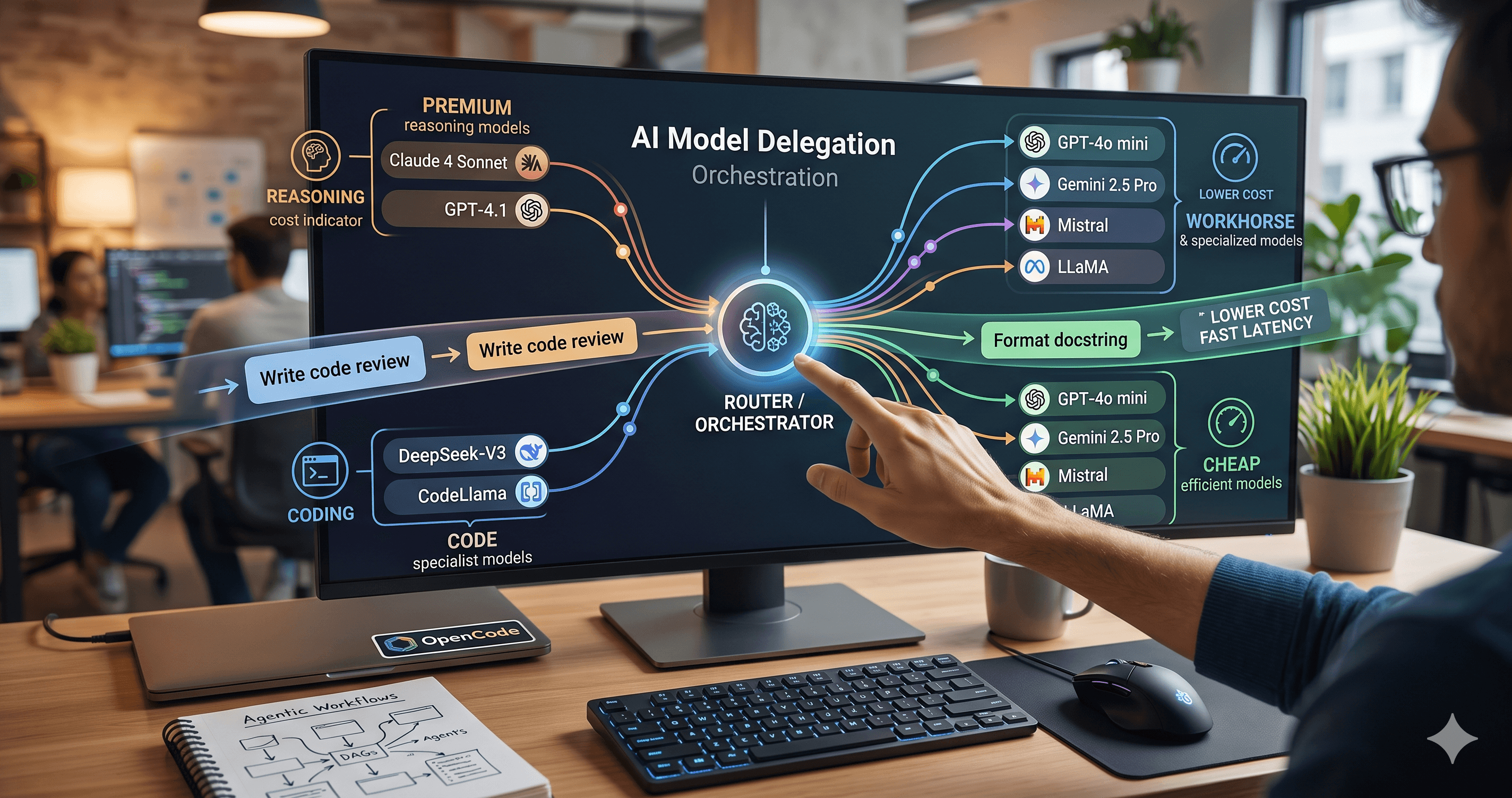
Beyond the single-model myth: Implementing intelligent multi-agent routing and DAG workflows with AI Dispatch.
Introduction: The Black Box of AI Code Generation When you ask GitHub Copilot to write a function, refactor a module, or explain a complex piece of code, the response you get is the output of a probab

How we built a proxy-driven, benchmark-validated ecosystem for LLMs, and why your company's MCP servers and SKILLS should come with unit tests
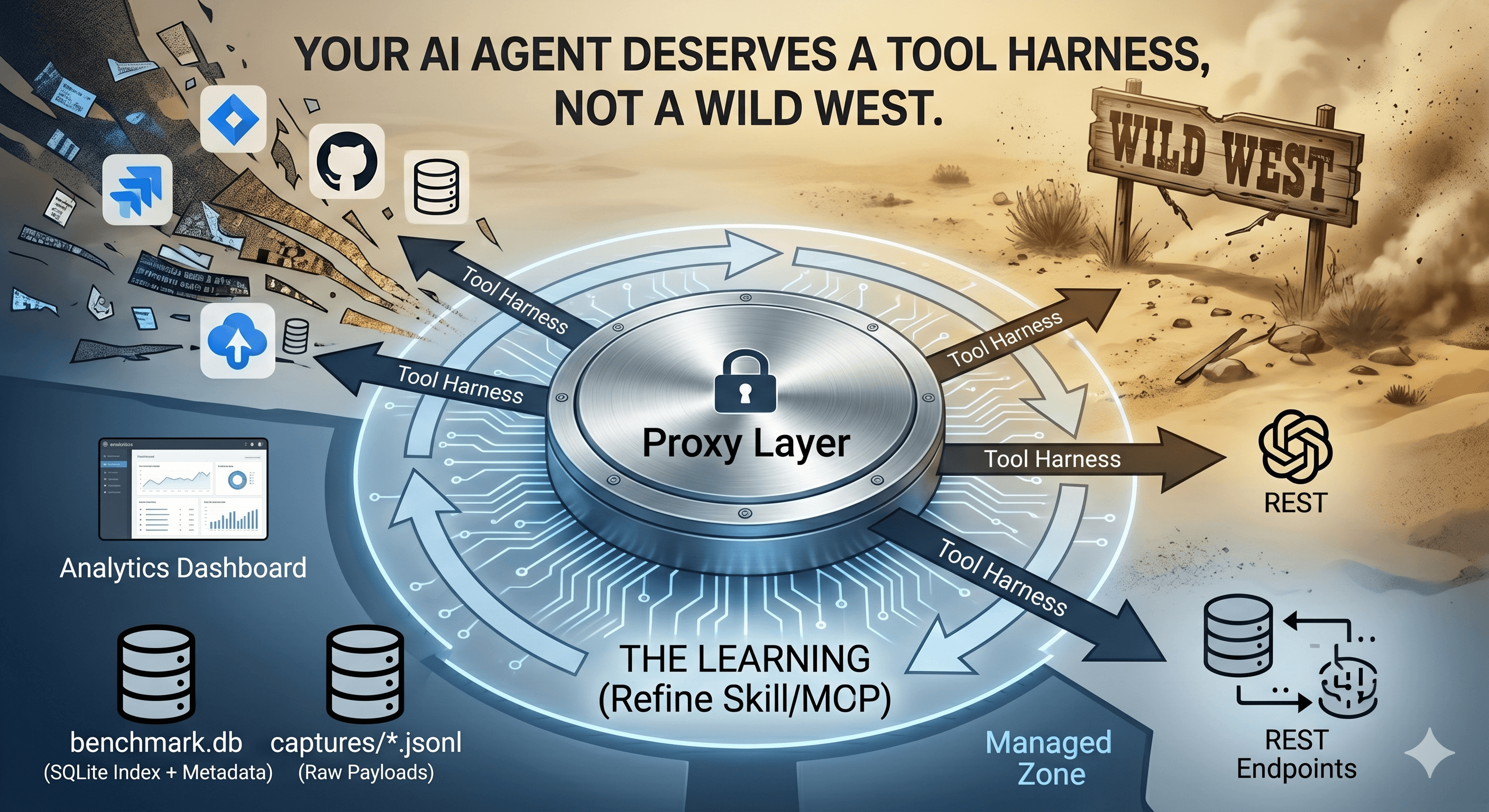
Last month, I published a comparison: MCP Servers vs. CLI. Single server (GitHub), controlled test, clear conclusion: Native MCP wastes 99.7% on schema tax in typical sessions.
But that's a lab test. In reality, I don't run one MCP server. I run four: GitHub, Garmin, Stitch, Intervals.icu. 2 for my develoment sections and 2 I'm using to plan and follow my health and sport coaching. And sometimes I don't take care about the MCP servers and I'm making my requests with all of them enabled. What about you? I guess you too have configured several MCP servers and then forgot about them.
This post takes the same question into the real world: Measure actual token burn across a multi-server setup where you actually work—not a proof of concept, but production data.
Here's the problem: every MCP server you enable injects its entire tool schema into every single request—regardless of whether you actually use it. And in the pay-per-use AI era, that invisible tax is costing you real money.
Remember when AI APIs had monthly packages? Those days are gone. As of early 2026, the industry has fully transitioned to token-based pay-per-use pricing.
The big players have made this crystal clear:
| Provider | Input ($/1M tokens) | Output ($/1M tokens) | Note |
|---|---|---|---|
| OpenAI GPT-5.4 | $2.50 | $15.00 | Cached: $0.25 |
| Claude Sonnet 4.6 | $3.00 | $15.00 | Long-context premium above 200K |
| Gemini 2.5 Pro | $2.00 | $12.00 | 2x above 128K tokens |
Every token counts now. And here's what nobody talks about: every MCP server you connect is silently burning tokens on every prompt.
I queried my own working (personal) environment through LeanProxy (my new tool) to get real numbers. Here's what I found:
| MCP Server | Tools Available | Tokens per Request |
|---|---|---|
| Garmin | 100 | ~10,000 |
| GitHub | 41 | ~4,100 |
| Stitch (Google) | 12 | ~1,200 |
| Intervals.icu | 10 | ~1,000 |
| Total | 163 | ~16,300 tokens |
That's approximately $0.04-$0.08 per request just to have the tools available. Even if you only use GitHub twice in a session.
We simulated three realistic workflows:
garmin_get_stats → intervals_get_events →
intervals_get_activity_intervals → intervals_add_or_update_event
That's 4 tool operations—but a real morning check isn't just 4 prompts. You check stats, then ask: "Am I recovered?", "What's my training readiness?", "Compare to last week?", "Any warnings?", "What intensity for today?", "Check weather impact...", "Adjust tomorrow's plan based on this...".
More realistically: 15 prompts × 16,300 tokens = ~244,500 tokens
Native MCP: ~244,500 tokens
With LeanProxy: ~2,000 tokens
You save: ~99%
github_search_repositories → github_get_file_contents →
stitch_list_projects → stitch_generate_screen_from_text →
github_create_pull_request
But wait—there's no 5 prompts in a real development session. You open your IDE, ask for an issue, get the code. Then 10 more prompts: "fix this bug", "add tests", "refactor this", "why is it failing?" Each one includes the full MCP schema. The GitHub/Stitch tools are only used twice, but you're paying for all 163 tools on every single prompt.
A more realistic breakdown for a 15-prompt session:
Prompts 1-2: GitHub/Stitch operations (2 tool invocations)
Prompts 3-15: Coding, debugging, refactoring (0 tool invocations)
That's 15 prompts × 16,300 tokens (full schema) = 244,500 tokens just to have tools available.
Native MCP: ~244,500 tokens
With LeanProxy: ~2,500 tokens
You save: ~99%
garmin_get_training_readiness → intervals_get_events →
stitch_list_projects → github_get_file_contents →
stitch_generate_screen_from_text → garmin_log_food → github_push_files
But that's 7 tool operations across the day—not 7 prompts. A real day looks more like:
Morning (prompts 1-3): Check Garmin, plan session in Intervals, review last week
Mid-day (prompts 4-12): "Why did my HR spike?", "What was my zone distribution?", "Am I recovered enough?", "Plan tomorrow's session", "Adjust intensity based on sleep"...
Evening (prompts 13-15): Log food, review training effect, check Intervals for next week
Dev work (prompts 16-25): Code, bugfix, refactor...
That's 25 prompts × 16,300 tokens = ~407,500 tokens just to have your MCP tools loaded.
Native MCP: ~407,500 tokens
With LeanProxy: ~4,000 tokens
You save: ~99%
You might think: "But prompt caching! 90% discount!"
It doesn't work that way. Cache hits still cost money—they're not free:
Anthropic (Claude Sonnet 4.6):
| Category | Price per 1M tokens |
|---|---|
| Fresh input | $3.00 |
| Cache write (5 min) | $3.75 (1.25x) |
| Cache hit (read) | $0.30 (0.1x) |
| Output | $15.00 |
OpenAI (GPT-4o):
| Category | Price per 1M tokens |
|---|---|
| Fresh input | $2.50 |
| Cache hit | $1.25 (0.5x) |
| Output | $10.00 |
Cache hits are NOT free—they're just discounted. And MCP tool schemas are identical every request, so 100% cache hit means:
16,300 tokens × cache cost = "effective" tokens still costing you
With Claude Sonnet: 16,300 × \(0.30/M = ~\)0.005/request
With GPT-4o: 16,300 × \(1.25/M = ~\)0.02/request
Not huge—but multiplied across sessions, it's real money. And this assumes your cache stays valid (5 min TTL on most providers).
Here's the shift in thinking:
Before: "Enable all MCP servers, AI will use what it needs."
After: "Enable MCP servers on-demand. AI will ask for what it needs."
Having MCP ready isn't about loading everything upfront. It's about making the capability available through a smart gateway that only loads tool schemas when actually invoked. Or... remember to enable and disable them when not needed.
There are other MCP proxy solutions, but each has trade-offs:
dynamic-mcp: Similar token optimization approach—it exposes only 2 tools initially (get_dynamic_tools, call_dynamic_tool) and loads the rest on-demand. It's a Rust implementation, supports OAuth, and focuses on the same goal. Not that much different from LeanProxy, but when I tested I wasn't able to get it working properly with the MCP I had. (I might have to try again)
mcp-proxy: TypeScript proxy for converting stdio to HTTP/SSE. Useful for transport bridging but has no token optimization—it passes all tool schemas through.
LiteLLM's dynamic-mcp_route: Part of the LiteLLM proxy. Known to have SSE buffering issues, not ideal for streaming tool responses. And is quite big for only a simple MCP proxy to use locally (not intended for this local use case)
LeanProxy is purpose-built for the specific problem: minimize token overhead while supporting stdio, HTTP, and SSE transports—with a focus on CLI-first workflows.
Built in Go for performance, not just Python/Node convenience:
# Startup is instant
time leanproxy-mcp server run --stdio "npx -y @modelcontextprotocol/server-filesystem ./my-project"
# Real-world: <50ms cold start

# Dry-run for token savings reports
leanproxy-mcp compactor --manifest ./mcp.json

# Centralized server management
leanproxy-mcp server list
No heavy runtime dependencies. No npm install. Just a single binary.
$ leanproxy-mcp server list
# Shows all 4 servers configured, but with full tool schemas
# in every prompt
NAME                 STATUS     TRANSPORT       COMMAND
--------------------------------------------------------------
garmin               enabled    stdio           uvx --python 3.12 --from git+https://github.com/Taxuspt/garmin_mcp garmin-mcp
Intervals.icu        enabled    stdio           /opt/homebrew/bin/uv run --with mcp[cli] --with-editable /opt/intervals-mcp-server mcp run /opt/intervals-mcp-server/src/intervals_mcp_server/server.py
stitch               enabled    http            https://stitch.googleapis.com/mcp
github               enabled    stdio           docker run -i --rm -e GITHUB_PERSONAL_ACCESS_TOKEN ghcr.io/github/github-mcp-server

4 server(s)
$ leanproxy-mcp server run --stdio "npx -y @modelcontextprotocol/server-filesystem ./my-project"
# Router schema only: ~110 tokens

# First tool invocation (e.g., garmin_get_stats):
# → Schema loads JIT: ~500 tokens
# → Subsequent prompts: cached
$ leanproxy-mcp compactor --manifest ~/.config/opencode/opencode.json
Token Report:
- Native MCP: 16,300 tokens/request
- LeanProxy: ~2,000 tokens/request
- Savings: 87%
The AI API market in 2026 is pay-per-use. A typical developer doing 20-30 sessions/day with 4 MCP servers enabled is burning:
At 16,300 tokens/session × 30 sessions × \(0.04/1K = ~\)19.56/day
At 2,000 tokens/session × 30 sessions × \(0.04/1K = ~\)2.40/day
Monthly difference: ~$515/month just on MCP overhead.
Available on GitHub: https://github.com/mmornati/leanproxy-mcp
Related research: Read the earlier MCP vs CLI comparison for single-server lab data. This post extends it with real production measurements.
Install:
brew tap mmornati/leanproxy-mcp
brew install leanproxy-mcp

# Or download from releases
curl -fsSL https://github.com/mmornati/leanproxy-mcp/releases/latest/download/...
Enable your MCP servers smartly. Keep the capability, lose the tax.
The future isn't about having less. It's about using what you need, when you need it.