

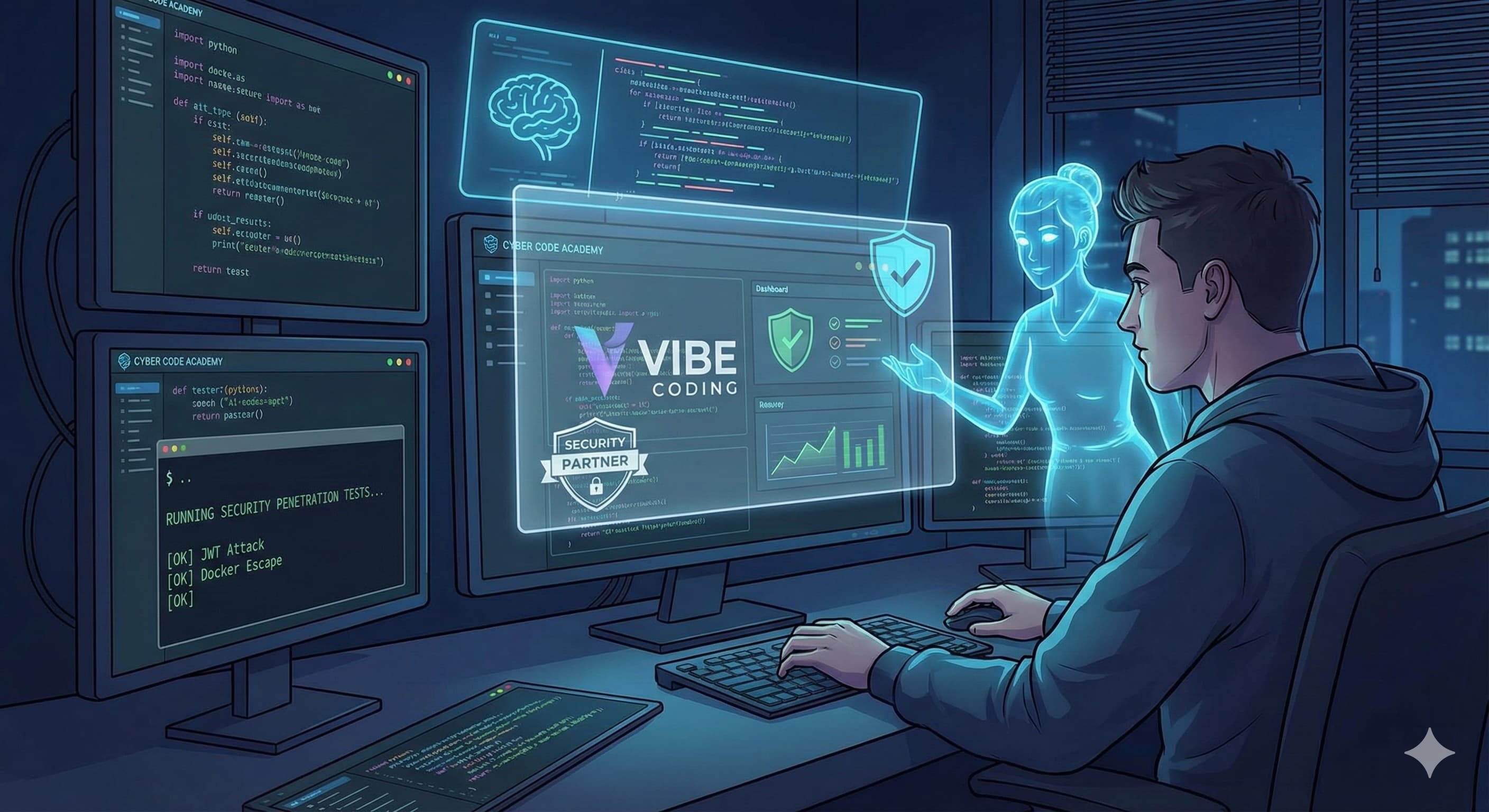
Vibe Coding Custom Penetration Tests: When AI Becomes Your Security Partner
How I used AI assistants to generate a 24-test security suite for my Python code execution platform — and why you should too.
Search for a command to run...
How I used AI assistants to generate a 24-test security suite for my Python code execution platform — and why you should too.
No comments yet. Be the first to comment.
and why it took two completely different approaches to get it right.

Following the Trail from the Cultura & FFT Breaches to SendGrid Abuse

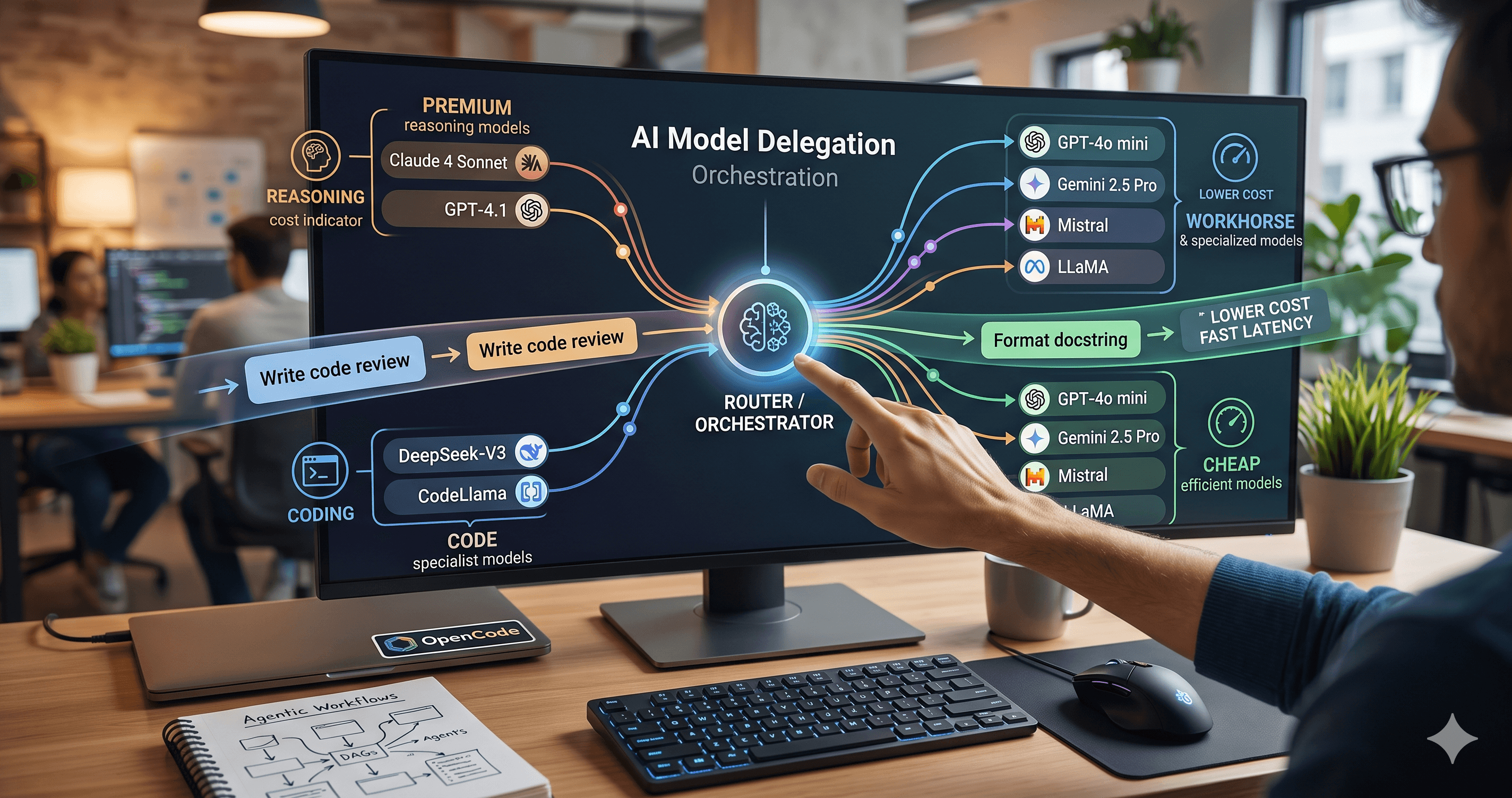
Beyond the single-model myth: Implementing intelligent multi-agent routing and DAG workflows with AI Dispatch.
Introduction: The Black Box of AI Code Generation When you ask GitHub Copilot to write a function, refactor a module, or explain a complex piece of code, the response you get is the output of a probab

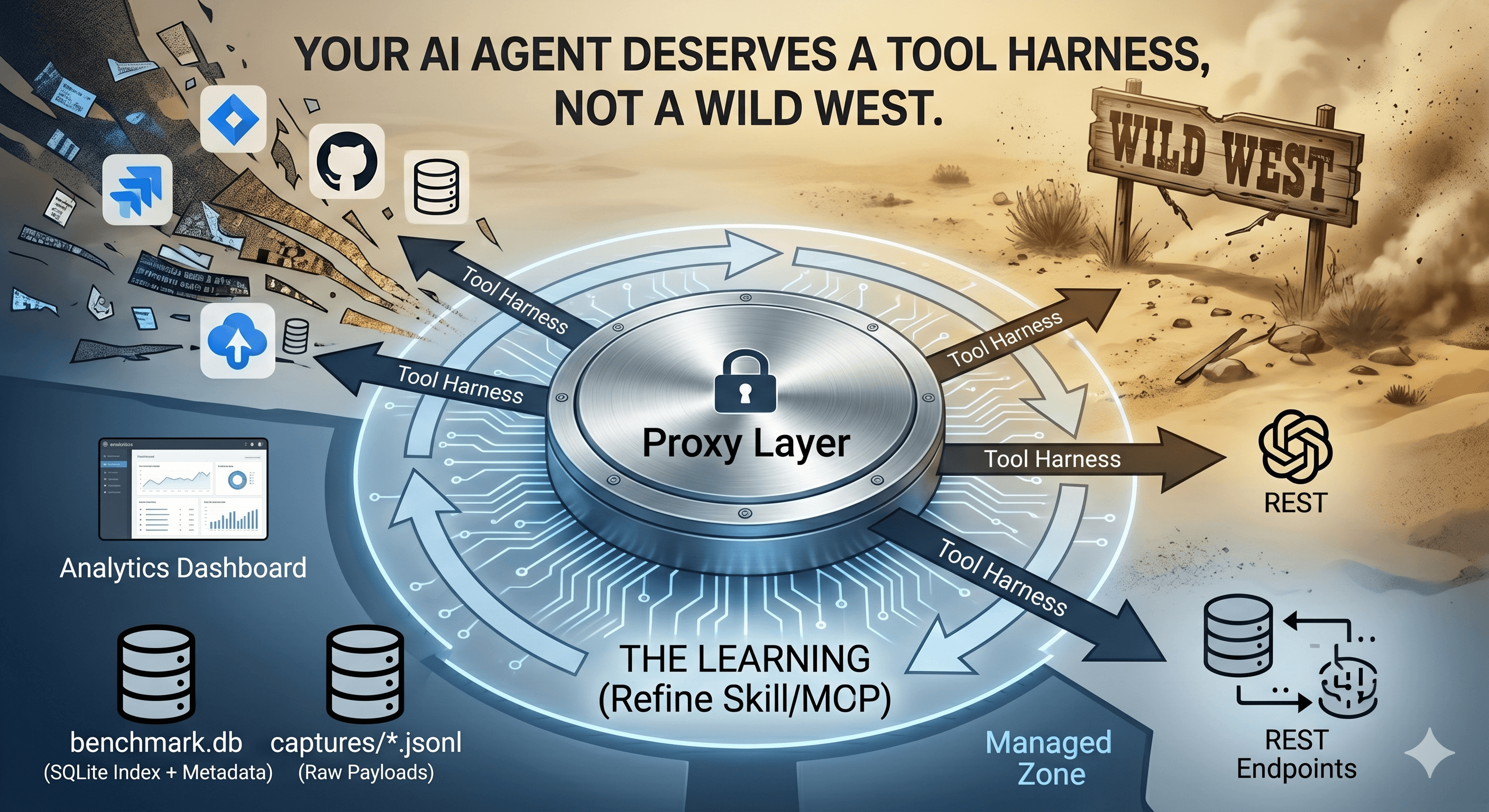
How we built a proxy-driven, benchmark-validated ecosystem for LLMs, and why your company's MCP servers and SKILLS should come with unit tests
When I started building Cyber Code Academy, a coding challenge platform where users submit Python code that gets executed on my server, I knew I was playing with fire. Letting strangers run code on your infrastructure is basically an open invitation for disaster. But here's the thing — I'm not a security expert. I'm just a developer who wanted to build something cool for his son.
So I did what any modern developer would do: I asked my AI coding assistants for help.
And what happened next was pretty remarkable.
If you've ever run a security scanner like OWASP ZAP or Burp Suite against your application, you know the drill: you get a bunch of findings about missing headers, potential XSS vectors, and maybe some SQL injection warnings. These tools are great. Seriously. Use them.
But here's what they don't understand:
__builtins__?Generic scanners test for generic vulnerabilities. But when you're building something unique — like a platform that executes untrusted Python code — you need custom tests that understand YOUR specific risks.
That's the gap I needed to fill.
If you've read my previous post about building Cyber Code Academy, you know I'm a big fan of what I call "vibe coding" — the practice of describing what you want to AI assistants (Cursor, GitHub Copilot, or in this case, Antigravity) and letting them generate the code.
It turns out this approach works beautifully for security testing.
Here's why: Security knowledge is vast and specialized. Most developers (myself included) don't have encyclopedic knowledge of every attack vector. But AI assistants do. They've been trained on OWASP guides, security research papers, and countless examples of both attacks and defenses.
So instead of trying to remember every possible SQL injection payload, I just described what I wanted:
"I need to test if someone can escape my Python sandbox by using
getattr() to access __builtins__ and then call exec(). Generate
a test that attempts this and reports if it succeeds."
And the AI delivered:
def test_namespace_escape_getattr(self):
    """Test namespace escape via getattr"""
    namespace_tests = [
        "getattr(__builtins__, 'exec', None)('print(\"ESCAPED\")')",
        "getattr(__builtins__, '__import__', None)('os').system('id')",
        "getattr(globals(), '__builtins__', {}).get('exec', None)('print(\"ESCAPED\")')",
    ]

    for code in namespace_tests:
        response = self.session.post(
            f"{self.base_url}/api/v1/execute",
            json={
                "code": code,
                "tests": [{"name": "test", "assertion": "True"}],
                "timeout_seconds": 5
            }
        )

        if "ESCAPED" in response.json().get("output", ""):
            self.log_finding(
                "CRITICAL",
                "Namespace escape via getattr",
                "Code can escape restricted namespace using getattr"
            )
I didn't need to know the exact syntax for these bypass techniques — the AI brought that knowledge. I just needed to know what aspect I wanted to test.
Over several sessions, I built up a comprehensive security test suite organized into categories that made sense for my application:
security-tests/production/
├── recon.py              # Endpoint discovery
├── test_auth.py          # JWT attacks, token bypass, password policy
├── test_authz.py         # IDOR, role escalation, access control
├── test_injection.py     # SQL injection, XSS, command injection
├── test_code_exec.py     # Sandbox escape, Docker bypass, DoS
├── test_api_security.py  # Rate limiting, headers, CORS
├── test_business_logic.py # XP manipulation, score cheating
└── run_tests.py          # Orchestrator with phased execution
Let me walk you through some of the more interesting tests.
One of the classic attacks against JWT-based authentication is the "none algorithm" attack. Here's what the AI generated for me:
def test_jwt_none_algorithm(self):
    """Test JWT 'none' algorithm attack"""
    # Decode token without verification
    decoded = jwt.decode(
        self.access_token,
        options={"verify_signature": False}
    )

    # Create token with 'none' algorithm
    payload = decoded.copy()
    payload["alg"] = "none"

    malicious_token = jwt.encode(payload, "", algorithm="none")

    # Try to use it
    response = requests.get(
        f"{self.base_url}/api/v1/dashboard/me",
        headers={"Authorization": f"Bearer {malicious_token}"}
    )

    if response.status_code == 200:
        self.log_finding(
            "CRITICAL",
            "JWT 'none' algorithm accepted",
            "Server accepts tokens with 'none' algorithm, allowing forgery"
        )
I honestly didn't know about this attack until the AI generated this test. Now my application correctly rejects these tokens ✓
For input validation testing, the AI generated a comprehensive list of SQL injection payloads:
sql_payloads = [
    "' OR '1'='1",
    "' OR '1'='1' --",
    "admin'--",
    "' UNION SELECT NULL--",
    "'; DROP TABLE users; --",
]

for payload in sql_payloads:
    response = self.session.post(
        f"{self.base_url}/api/v1/auth/login",
        json={"username": payload, "password": "Test1234!"}
    )

    # Check for SQL errors in response
    if any(keyword in response.text.lower()
           for keyword in ["sql", "syntax error", "postgresql"]):
        self.log_finding(
            "CRITICAL",
            "SQL injection in login username",
            f"SQL error detected with payload: {payload}"
        )
Since my platform runs user code in Docker containers, I needed to test for container escape vulnerabilities:
def test_docker_socket_access(self):
    """Test accessing Docker socket"""
    docker_socket_tests = [
        "import socket; s = socket.socket(socket.AF_UNIX); "
        "s.connect('/var/run/docker.sock'); print('DOCKER_ACCESSIBLE')",
        "open('/var/run/docker.sock', 'r')",
    ]

    for code in docker_socket_tests:
        response = self.session.post(
            f"{self.base_url}/api/v1/execute",
            json={"code": code, "timeout_seconds": 5}
        )

        if "DOCKER_ACCESSIBLE" in response.json().get("output", ""):
            self.log_finding(
                "CRITICAL",
                "Docker socket accessible from sandbox",
                "Code can access Docker socket, allowing container escape"
            )
Let me show you what happens when we run this against the live production site. Here's the actual output from a test run I did today:
============================================================
PRODUCTION SECURITY PENETRATION TESTING
============================================================
Target: https://play.pygame.ovh
Test User: aitest_security_2025
Start Time: 2026-01-10T10:10:24
============================================================

PHASE 1: RECONNAISSANCE
============================================================
[+] Found docs at /docs
[+] Found: POST /api/v1/auth/register (Status: 422)
[+] Found: POST /api/v1/auth/login (Status: 422)
[+] Found: GET /api/v1/challenges (Status: 200)
[+] Found: POST /api/v1/execute (Status: 401)
...
[+] Reconnaissance complete. Found 20 endpoints.

PHASE 2: AUTHENTICATION TESTS
============================================================
[+] Test user 'aitest_security_2025' created successfully
[+] Login successful, tokens obtained
[+] JWT 'none' algorithm correctly rejected
[+] Weak password correctly rejected: short
[+] Weak password correctly rejected: nouppercase123
...
[+] Authentication tests complete. Found 0 issues.

PHASE 5: CODE EXECUTION TESTS
============================================================
[*] Testing Docker socket access...
[*] Testing host filesystem access...
[*] Testing network access...
[*] Testing namespace escape via getattr...
[*] Testing import bypass...
...
[+] Code execution tests complete. Found 0 issues.
After approximately 68 seconds of automated testing, here's the summary report:
============================================================
TESTING COMPLETE
============================================================
Total Time: 67.85 seconds
Total Findings: 3
  - Critical: 0
  - High: 0
  - Medium: 3
  - Low: 0
============================================================
The test suite automatically generates both JSON and Markdown reports. Here's what it found:
| Severity | Finding | Description |
| Medium | No rate limiting on registration | Registration endpoint allows rapid requests |
| Medium | Missing security headers | CSP, HSTS, X-XSS-Protection not set |
| Medium | OpenAPI documentation exposed | /docs endpoint publicly accessible |
Zero critical or high-severity issues. The sandbox is holding strong — no Docker escapes, no SQL injection, no JWT bypasses. But I've got some housekeeping to do on those security headers.
After this experience, here's my honest assessment:
✅ Generating known attack patterns — OWASP Top 10, common bypass techniques, injection payloads. The AI has seen thousands of examples.
✅ Structuring test suites — Proper organization, error handling, logging. The boilerplate code is solid.
✅ Documentation — Every test includes docstrings explaining what it's testing and why.
✅ Covering edge cases — The AI often suggests test cases I wouldn't have thought of.
⚠️ Understanding YOUR threat model — You still need to tell the AI what's important to test.
⚠️ Interpreting results — Is that "Sensitive data in /docs" finding actually a problem? (In my case, it's an intentional feature for developers.)
⚠️ Responsible testing — Never run these tests against systems you don't own or without authorization.
⚠️ Post-exploitation thinking — If an attack succeeds, what's the real-world impact? AI doesn't always connect those dots.
Want to vibe-code your own security tests? Here's how to get started:
Start by listing what makes your application unique:
Work through security categories systematically:
"Generate authentication security tests for a FastAPI application
that uses JWT tokens. Test for: none algorithm attack, token
manipulation, authentication bypass, and weak password acceptance."
After the first generation, ask for improvements:
"Add a test that attempts to access other users' data by
modifying the user_id in the JWT payload"
Don't just run the tests blindly. Read through the code. Learn why each attack works (or should be blocked). You'll become a better developer in the process.
Always test in a development environment first. Never attack production systems without explicit authorization. And delete those test accounts when you're done.
Here's what I've learned: You don't need to be a security expert to write security tests. You just need to know what questions to ask and have an AI assistant that can provide the answers.
The barrier to entry for security testing just got a lot lower. And that's a good thing — because security shouldn't be a luxury reserved for companies with dedicated pentest teams. If you're building software, you should be testing its security. And now, with AI as your pair programmer, you can.
The complete security test suite I've described is open source (link at the end of this post). Feel free to explore, adapt it to your needs, and contribute improvements. And if you want to see it in action, you can try to break Cyber Code Academy yourself.
Seriously. Give it your best shot :P
The security test suite referenced in this article is open source. If you'd like access to the complete codebase with all 24+ test scripts, feel free to reach out — I'm happy to share more with interested developers.
Related Posts:
Have questions about AI-assisted security testing? Found a vulnerability I missed? Let me know in the comments or reach out on Twitter!